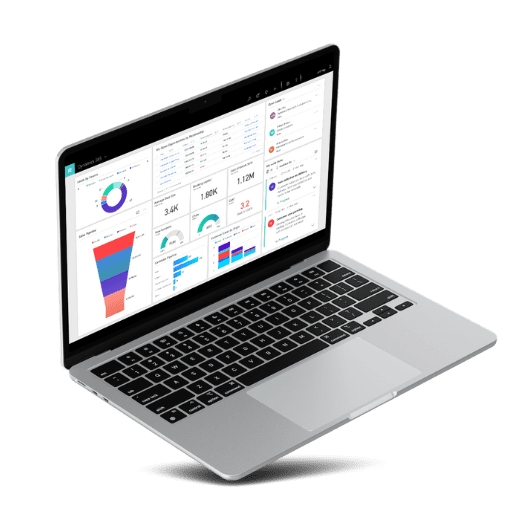
A laptop displaying a data dashboard with various charts and metrics, surrounded by graphic representations of data blocks.

What is Copilot in Power BI? Unlocking the Potential of Data Analytics

Managing and unifying disparate data sources can be a daunting task. Microsoft Fabric alleviates these challenges by providing a seamless connection to various data sources, enabling efficient data analysis without the need for extensive resources. With Fabric, users can easily consolidate their data within Power BI, leveraging AI and SaaS technologies for a more efficient workflow.

Top 5 Challenges SMBs Face in Field Service and How Dynamics 365 Solves Them

Adopting a unified platform like Dynamics 365 improves decision-making speed by up to 40% (Source: https://www.microsoft.com/en-us/dynamics-365), allowing businesses to respond quickly to customer demands and market shifts. Additionally, streamlined data processes reduce administrative overhead, enabling SMBs to allocate more resources toward growth-oriented initiatives. Organisations with centralised systems also experience a 15% improvement in operational efficiency, paving the way for sustainable business growth.

How to Leverage Power BI for Advanced Data Analytics in Microsoft Dynamics 365

According to a Forrester Consulting survey of 900 global business leaders, companies that effectively leverage data analytics are 162% more likely to significantly exceed their revenue targets. Additionally, businesses that utilise data experience an 8% increase in customer trust and a 173% advantage in efficiently complying with regulations compared to those that do not use data-driven strategies (source: CIO Dive). This blog post explores how you can harness Power BI for advanced data analytics within Microsoft Dynamics 365, transforming your business operations and enhancing your decision-making processes.

A silver laptop displaying various analytical charts and graphs on its screen, perfect for accounting professionals using Sage. The interface shows pie charts, bar graphs, line graphs, and a funnel chart. The laptop is angled slightly from the left, showcasing the keyboard and trackpad.

Driving Growth: How to Tailor Dynamics 365 CRM Solutions for Small Businesses 

Maintaining meaningful connections with customers is paramount, especially for small and medium-sized businesses. This necessitates the adoption of effective customer relationship management (CRM) strategies, particularly in an era defined by digital transformation and evolving consumer expectations. In this guide, we’ll explore how small and medium-sized businesses (SMBs) can leverage Microsoft Dynamics 365 CRM, with a focus on practical insights and actionable advice provided by Monpellier, an experienced partner in tailored CRM solutions. 

Business Central Implementation Methodology: The Key to Success 

A successful journey with Business Central 365 begins with laying a strong foundation. Before diving into the technical aspects, it’s essential to establish a clear understanding of your organisation’s unique requirements, challenges, and aspirations. This initial phase involves comprehensive consultations and in-depth analysis, during which the Monpellier team collaborates closely with your business stakeholders. 

Dynamics NAV (Navision) versus Dynamics 365 Business Central

Dynamics 365 Business Central carries all the same features as its older relative (Dynamics NAV) but has the added benefits of a true cloud solution. Benefits such as access to your information from anywhere in the world, real-time updates and easy integration. The transition from Dynamics NAV to Dynamics 365 Business Central is so much more than a facelift. Microsoft has successfully created a cost-effective all-in-one solution that can seamlessly grow with your business.