Automate workflows and reduce manual tasks across your business

Microsoft Power Automate (Flow)

Microsoft Power Automate helps organisations streamline repetitive tasks, connect systems, and automate business processes across Microsoft 365, Dynamics 365, and hundreds of third-party applications.

By removing manual steps from everyday workflows, Power Automate improves efficiency, reduces errors, and allows teams to focus on higher-value work.

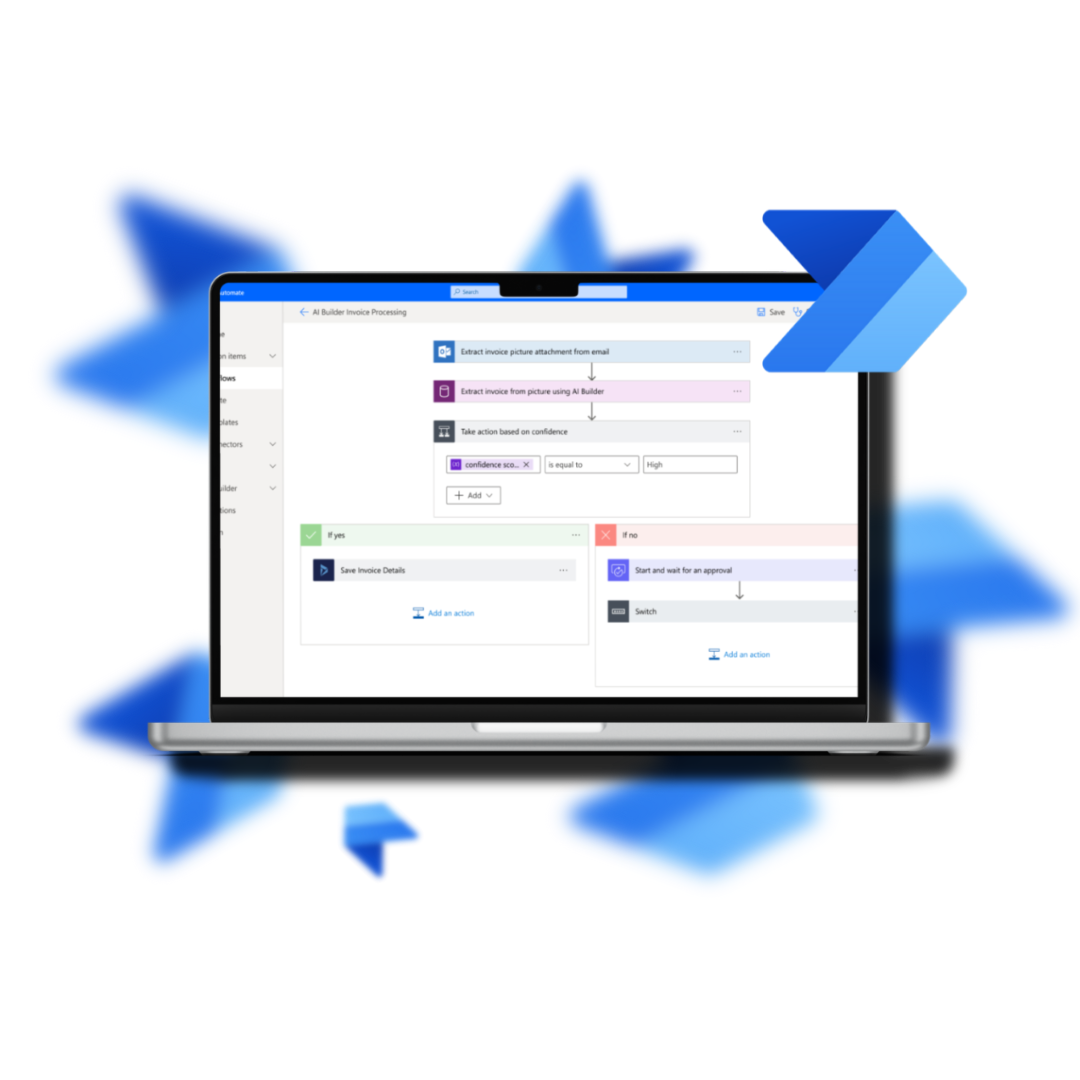
A laptop screen shows workflow steps and decision branches while blue arrows indicate automated connections in Microsoft Power Automate (Flow).
140%

ROI over three years

8.32

Million USD net present value

45%

decrease in application development costs

AUTOMATE TASKS SECURELY AND EFFICIENTLY

What is Microsoft Power Automate?

Microsoft Power Automate is a cloud-based automation platform that enables businesses to create automated workflows between apps and services.

It allows users to build “flows” that automatically trigger actions based on events such as receiving an email, updating a record, or submitting a form.

Common use cases include:

  • Automating approvals and sign-off processes
  • Syncing data between systems
  • Sending automated notifications and alerts
  • Creating scheduled reporting workflows
  • Reducing manual data entry across departments

Power Automate integrates seamlessly with tools such as Microsoft 365, Dynamics 365, SharePoint, Teams, Outlook, and Power BI.

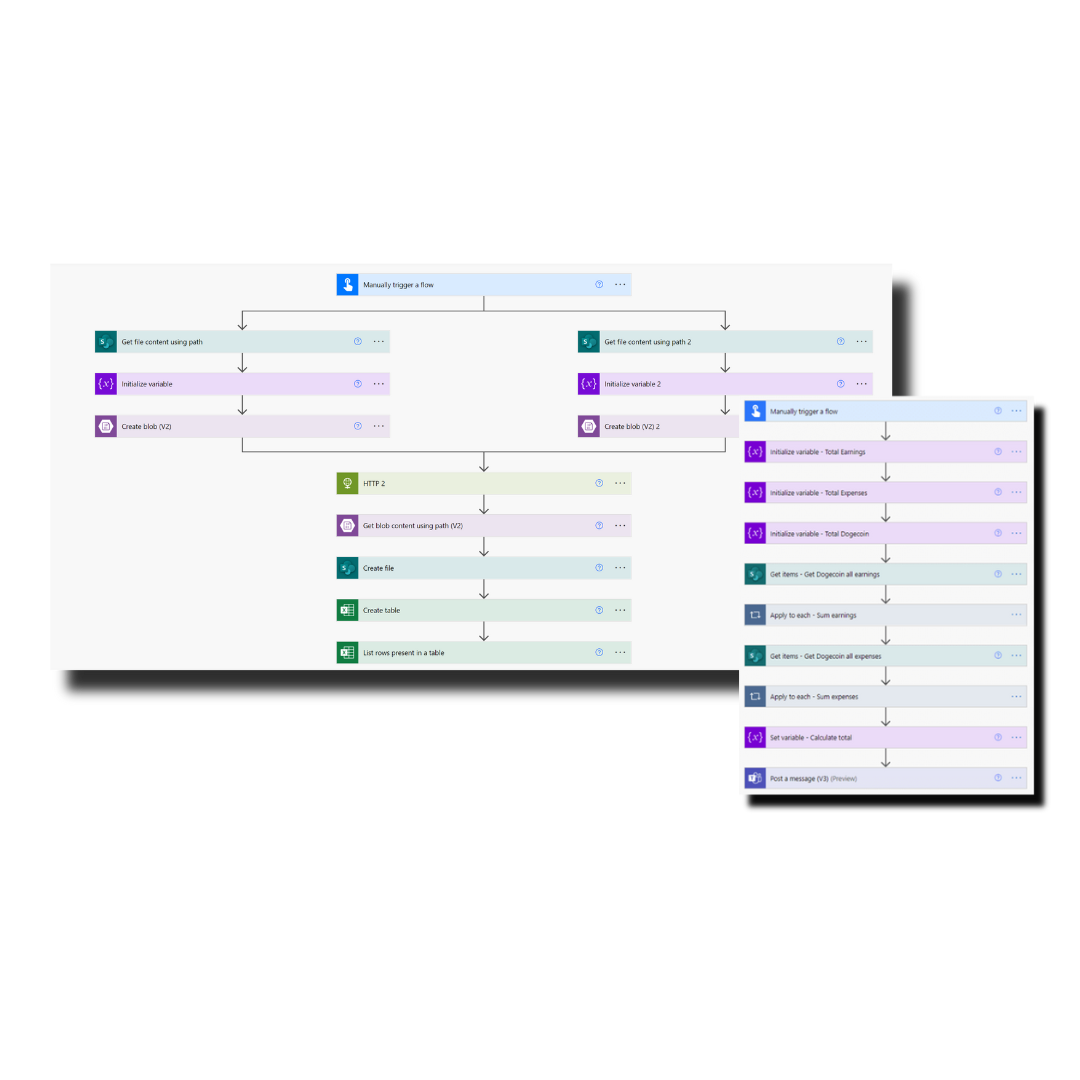
A Microsoft Power Automate (Flow) workflow diagram with multi-step, color-coded actions showing triggers, HTTP calls, Excel table actions, and totals.
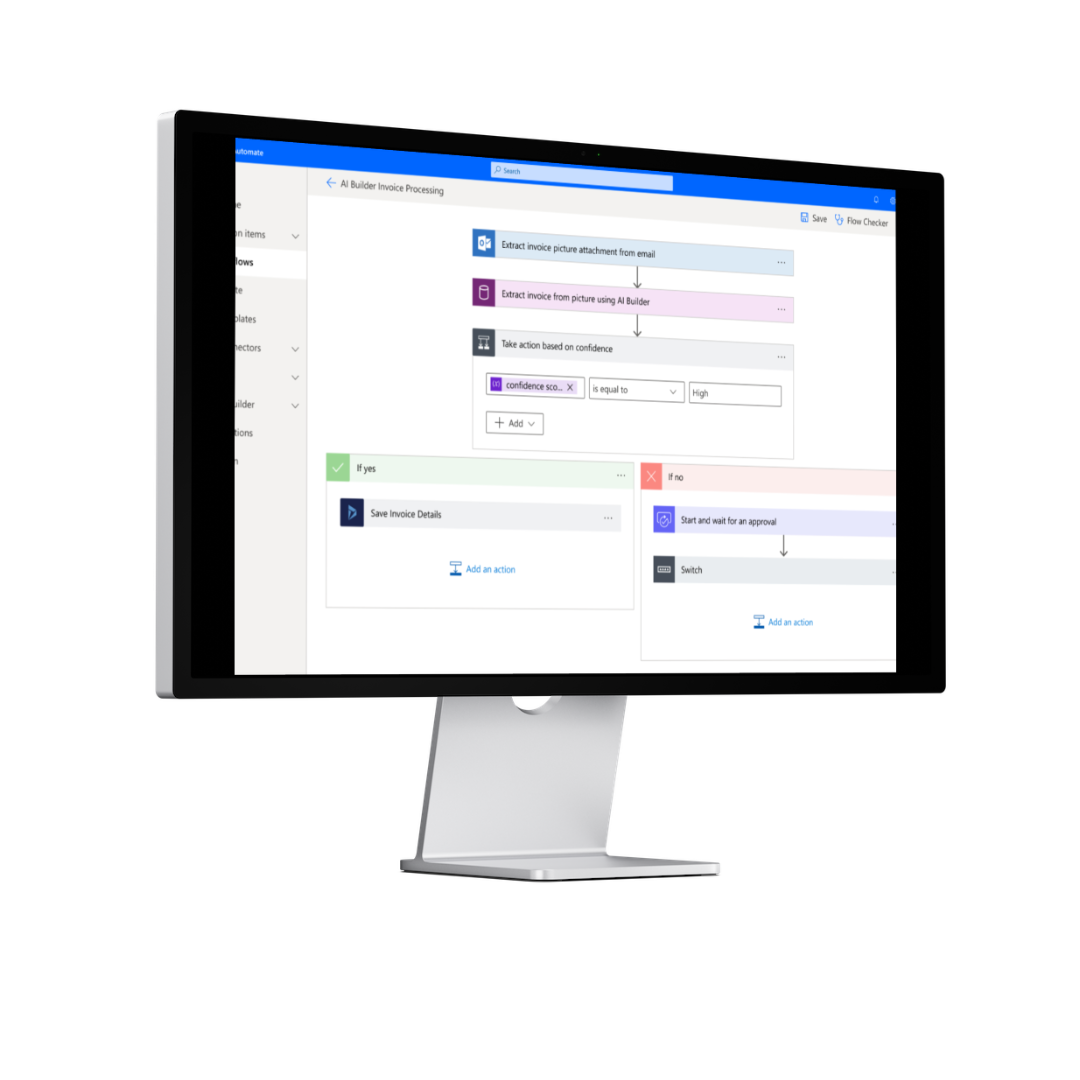
A desktop screen shows a Microsoft Power Automate (Flow) workflow with AI Builder Invoice Processing steps, confidence scoring, and approval logic in blue and white.

SUPERCHARGE WORKFLOWS

Why businesses use Power Automate

Modern organisations rely on multiple systems and platforms. Without automation, this often leads to duplicated effort, human error, and slow processes.

Power Automate solves this by connecting systems and standardising workflows across your business.

Key benefits include:

  • Reduced manual workload and administration time
  • Improved accuracy and consistency of data
  • Faster internal processes and approvals
  • Better visibility across workflows and tasks
  • Improved collaboration between teams

AUTOMATION ACROSS DESKTOP, WEB, MOBILE AND APPS

How Microsoft Power Automate works

  • Power Automate uses triggers and actions to build automated workflows.

    A trigger starts a process, such as:

    • A new email arriving in Outlook
    • A form submission in Microsoft Forms
    • A new record in Dynamics 365

    An action then follows, such as:

    • Creating a task in Microsoft Planner
    • Updating a record in Dynamics 365
    • Sending a notification in Microsoft Teams
    • Saving data into SharePoint

    This allows businesses to automate processes without needing complex development.

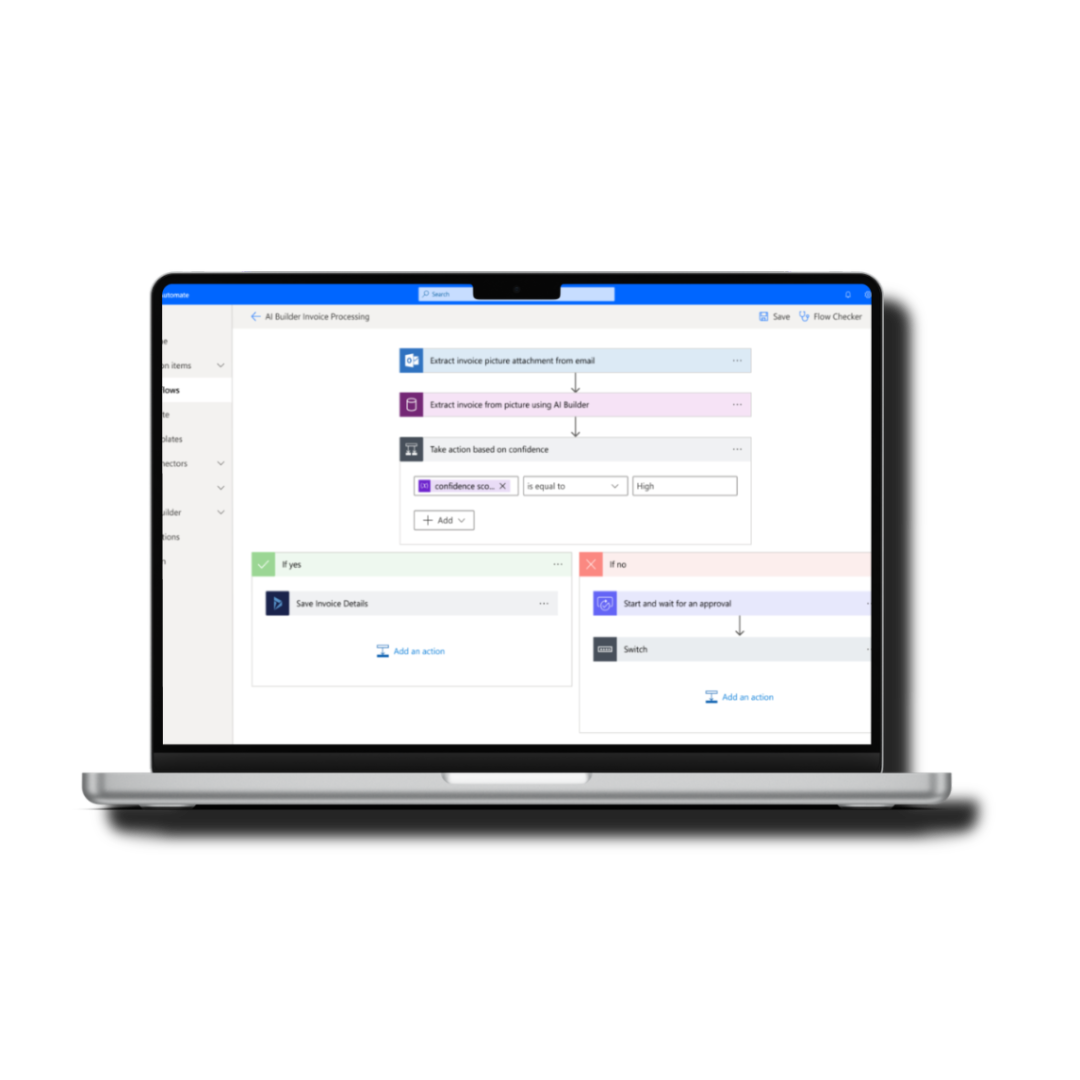
A laptop screen shows Microsoft Power Automate (Flow) workflow automation with connected steps, decision logic, and clear blue and white flow blocks.

SAVE TIME AND AUOTMATE

Key features of Microsoft Power Automate

Workflow automation

Automate repetitive business processes across departments including finance, sales, HR, and operations.

System integration

Connect Microsoft 365, Dynamics 365, Azure, and third-party applications into a single automated environment.

AI Builder capabilities

Use AI models to process forms, extract data from documents, and automate decision-making processes.

Robotic process automation (RPA)

Automate legacy systems and desktop applications where APIs are not available.

Approval workflows

Create structured approval processes for invoices, purchase orders, HR requests, and more.

A Microsoft Power Automate (Flow) workflow diagram with multi-step, color-coded actions showing triggers, HTTP calls, Excel table actions, and totals.
.

Power Automate and Microsoft ecosystem integration

Power Automate works seamlessly with the wider Microsoft ecosystem, including:

  • Microsoft 365 for document and communication workflows
  • Dynamics 365 for CRM and ERP automation
  • Power BI for automated reporting and data updates
  • SharePoint for document and data management
  • Microsoft Teams for real-time collaboration and alerts

This integration ensures data flows smoothly between systems without manual intervention.

.

Example Power Automate use cases

  • Automatically approve purchase orders and notify finance teams
  • Sync customer data between CRM and accounting systems
  • Send onboarding tasks to HR and IT when a new employee joins
  • Generate and distribute weekly performance reports
  • Alert sales teams when high-value leads are created
.

Power Automate and digital transformation

  • Power Automate is a key part of Microsoft’s Power Platform and supports wider digital transformation initiatives.

    It enables organisations to modernise legacy processes, improve operational agility, and build scalable automation across the business.

    Combined with Power Apps, Power BI, and Dynamics 365, it forms a complete low-code ecosystem for business innovation.

.

Why choose Monpellier for Power Automate

  • Monpellier helps businesses design, implement, and optimise Power Automate solutions tailored to their operations.

    We support organisations in:

    • Identifying automation opportunities
    • Building secure and scalable workflows
    • Integrating Microsoft 365 and Dynamics 365 systems
    • Improving operational efficiency through process redesign
.

Related solutions

Microsoft Power Automate Overview

Book A Free Consultation

Have a process slowing your team down?

Talk to Monpellier about Microsoft Power Automate and discover how workflow automation can reduce manual work and improve efficiency across your business.

Contact us today to request a consultation or tailored automation review.

Email

info@monpellier.co.uk

Phone

0191 500 8150

Our Locations

Evolve Business Centre, Rainton Bridge Business Park, Cygnet Way, Houghton le Spring, Sunderland, DH4 5QY